
VM & OS browser isolation — Qubes, Whonix, Tails
Running the browser inside another operating system puts a strong wall between untrusted web content and your daily files. Fingerprinting reflects the guest — not your host.
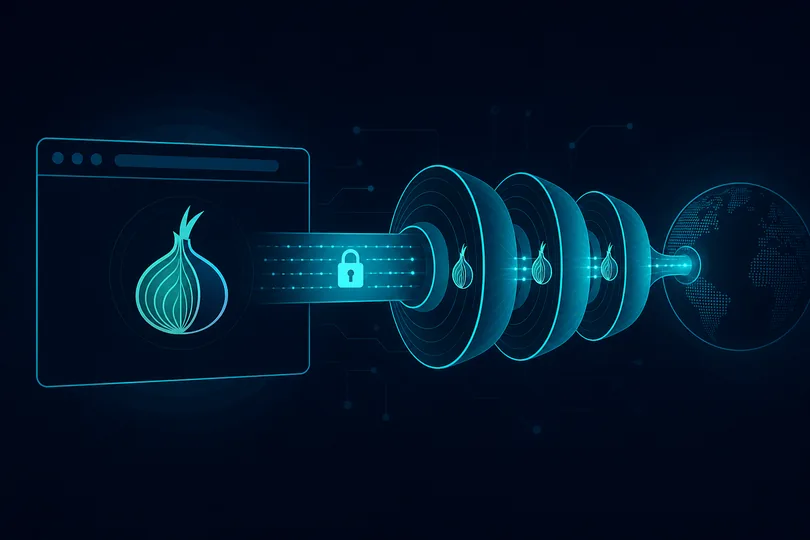
Tools
Qubes OS — compartment VMs; DispVM for one-shot browsing, destroyed afterward.
Whonix — gateway (Tor) + workstation; resists IP leaks.
Tails — amnesic live OS; see Tor guide.
Generic VM — VirtualBox/VMware + hardened browser.
Threat model tiers
- Everyday: hardened browser is often enough
- Untrusted link: DispVM or sandbox
- Source protection: Tor + Whonix/Tails — not legal advice
What changes
- Malware reaches host files far less easily
- Fingerprint = guest browser image
- IP depends on net VM (VPN, Tor, clearnet)
Verify
- Run analysis inside the guest OS.
- Optionally compare host browser — should differ.
Analyze your host browser
Analyze your host browserFAQ
Is a VM as good as Tor Browser?
VM protects the host; Tor Browser also hardens fingerprint. Combine for high risk.
What is a Qubes DispVM?
Disposable VM erased on close — ideal for single risky tabs.