
Safari privacy and fingerprint test
Safari's privacy story is one of the strongest among mainstream browsers — but "private" and "untrackable" are not the same thing. See where your Safari stands.
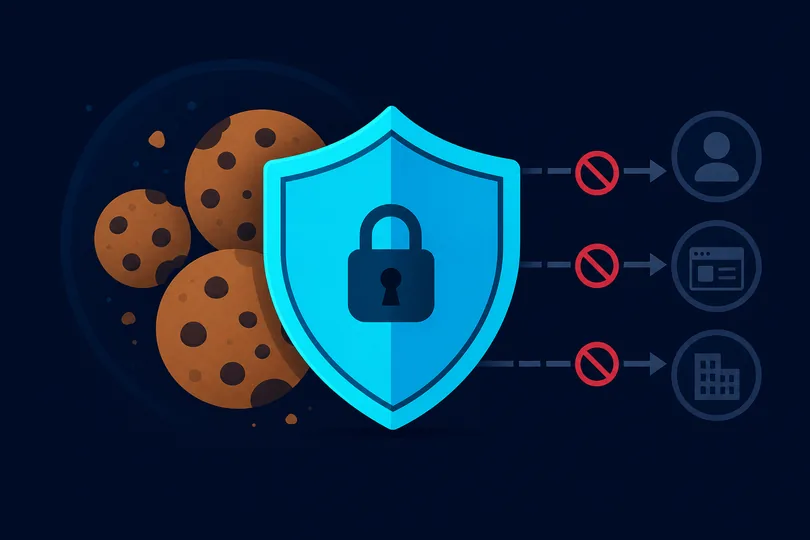
Safari's privacy protections explained
Apple positions Safari as the privacy browser, and for cookie-based tracking
that reputation is well-earned. Intelligent Tracking Prevention (ITP)
aggressively partitions and expires third-party cookies, link-decoration parameters
(like fbclid and gclid), and bounce-tracking redirects.
Many advertising and analytics flows that work in Chrome are blocked by default in
Safari.
Safari also limits API surface area more than other browsers. It does not expose Battery Status API, restricts the precision of device motion sensors, and requires a user gesture to request certain permissions. The WebKit engine deliberately implements some APIs differently to reduce fingerprintability.
Despite these protections, significant fingerprinting vectors remain. Your screen resolution, device pixel ratio (particularly telling on Retina displays), system fonts, timezone, language, and WebGL renderer string are all readable from JavaScript. The Safari User-Agent identifies the macOS or iOS version, and on iOS devices, the screen dimensions are characteristic enough to narrow the device to a small set of models.
Safari's Private Browsing mode adds extra restrictions in newer versions — including blocking known tracker signatures in URL parameters and isolating browsing within the private session — but the underlying fingerprint signals do not change. Apple's iCloud Private Relay (iCloud+ subscribers) masks your IP address and approximate location, which is the strongest IP-layer protection of any mainstream browser ecosystem.
What we measure in your Safari session
- User-Agent — WebKit version, macOS/iOS version, device type
- HTTP headers — Accept-Language, Sec-Fetch-*, header ordering
- Screen & display — resolution, Retina pixel ratio, color depth
- System locale & timezone — Intl API, timezone offset consistency
- Canvas fingerprint — WebKit rendering characteristics
- WebGL — Metal/GPU renderer, vendor, extension list
- Audio fingerprint — WebKit AudioContext processing profile
- Font detection — macOS/iOS system fonts via glyph metrics
- Hardware signals — CPU cores, device memory, connection type
- IP geolocation — country, region, ISP (local MaxMind lookup)
Run a live privacy analysis on your Safari browser — no account required.
Check my Safari scoreFrequently asked questions
Does iCloud Private Relay protect against fingerprinting?
iCloud Private Relay routes your Safari traffic through two relay servers so that no single party sees both your IP address and the sites you visit. This is a strong protection against IP-based tracking and geolocation. However, it does not change the JavaScript signals your browser sends — canvas, WebGL, screen, and other fingerprint APIs remain unaffected. Think of it as IP anonymisation, not full fingerprint spoofing.
Is Safari better than Chrome for privacy on iPhone?
Yes, for most users. On iOS, all browsers use the WebKit engine (App Store rules require this), so the rendering fingerprint is similar across browsers. But Safari benefits from ITP, Apple's Private Relay, and tighter permission defaults that other iOS browsers cannot match at the engine level. Chrome on iOS is essentially a Safari WebView with Google's sync layer on top.
Can I install extensions in Safari for more privacy?
Yes. Safari supports extensions from the Mac App Store and on iOS/iPadOS. Extensions like 1Blocker and AdGuard provide content-blocking rules in Safari for ad and tracker blocking. They work through Safari's content-blocking API, which is privacy-preserving (extensions cannot see individual URLs) and efficient. For desktop Mac users, this is a practical way to add uBlock Origin-like filtering.