
Brave browser fingerprint test
Brave leads the field in built-in fingerprint protection. But randomisation has limits — run a live scan to see your actual exposure score.
How Brave protects against fingerprinting
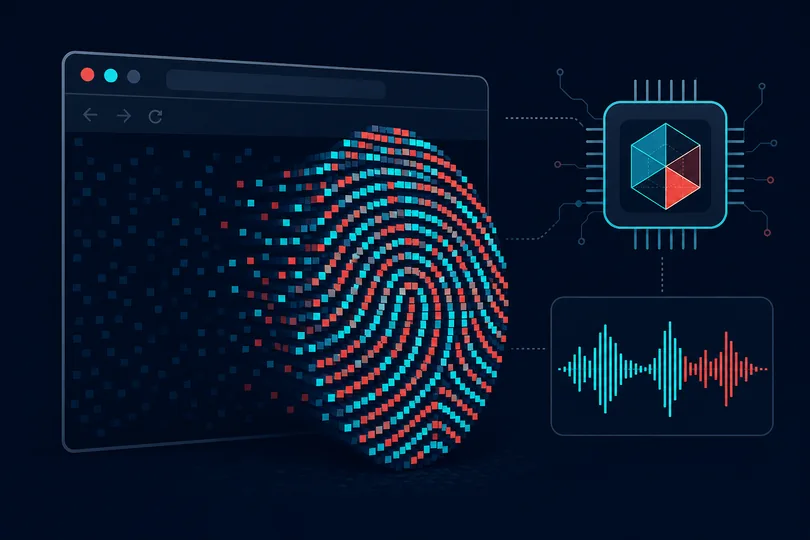
Brave is built on Chromium but layers aggressive privacy protections on top. Its Shields system blocks ads and trackers by default, and the browser adds farbling — subtle randomisation of canvas, WebGL, and AudioContext output — so that fingerprint probes return slightly different values on each session. This directly attacks the most powerful cross-site tracking technique available to advertisers.
In the default "Standard" Shields setting, canvas and WebGL readbacks are perturbed by a small amount of session-unique noise. Switching to "Aggressive" applies stricter blocking for known tracker domains and also hardens more APIs. The Brave Private Window with Tor option routes traffic through the Tor anonymity network for a further layer of IP anonymisation.
However, several signals remain largely unchanged regardless of Shields level.
Your screen resolution, device pixel ratio, system language, and timezone are not
randomised in standard Brave. The User-Agent string still identifies Brave's Chromium
version, and the Accept-Language header broadcasts your preferred locale.
Hardware signals such as CPU core count and device memory are also accessible via
standard JavaScript APIs.
Because Brave users form a recognisable cohort — a specific Chromium user-agent with farbled canvas — determined trackers may use the pattern itself as a coarse identifier. The practical privacy level depends heavily on Shields configuration, whether you use Private Window or Tor mode, and which sites you visit. A live analysis shows exactly where your current Brave setup stands.
What we measure in your Brave session
- User-Agent & Client Hints — Chromium version, platform, Brave signals
- HTTP headers — Accept-Language, Sec-Fetch-*, Sec-GPC header presence
- Screen & display — resolution, color depth, pixel ratio
- System locale & timezone — Intl API, timezone offset consistency
- Canvas fingerprint — detects farbling / noise injection vs raw output
- WebGL — renderer, vendor, extension list, farbling detection
- Audio fingerprint — AudioContext randomisation, block detection
- Font detection — which system fonts are available via glyph metrics
- Hardware signals — CPU cores, device memory, connection type
- IP geolocation — country, region, ISP (local MaxMind lookup)
See your Brave browser's real privacy score — live analysis, no account needed.
Check my Brave scoreFrequently asked questions
Does Brave's canvas farbling fool all fingerprinting tools?
It defeats many commercial fingerprinting libraries that rely on a stable canvas hash. Because the noise is session-unique, repeat visits produce different hashes, breaking cross-session tracking. Sophisticated adversaries may detect the noise pattern itself and flag the browser as "Brave-like", but they cannot reliably link sessions to an identity. Our tool checks whether the farbling pattern is detectable in your session.
Should I use "Standard" or "Aggressive" Shields?
Aggressive Shields blocks more tracker networks but can break some sites (login flows, embedded content, CDN-served scripts). Standard Shields provides strong everyday protection with fewer compatibility issues. For maximum privacy at the cost of usability, pair Aggressive Shields with uBlock Origin in hard mode.
Does Brave's Private Window with Tor anonymise my IP?
Yes — traffic in a Tor window is relayed through the Tor network, masking your real IP address from sites you visit. However, the Tor network exit nodes are publicly known, so destinations can detect Tor use even if they cannot identify you. It is slower than regular browsing and not a substitute for the full Tor Browser for high-risk anonymity needs.